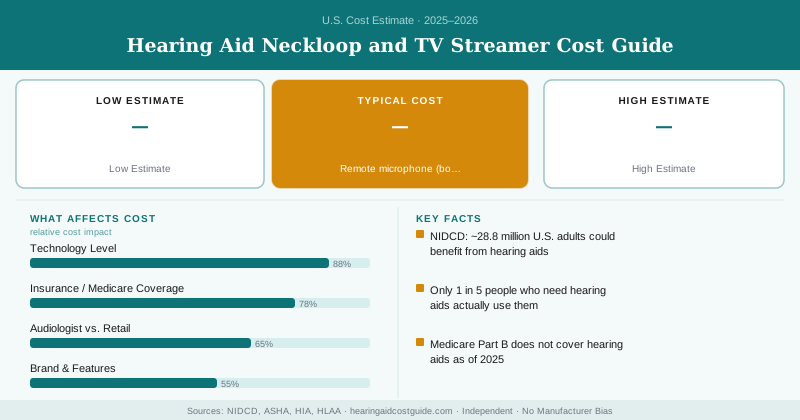
62 million households have someone at home who wants the TV louder than everyone else can tolerate. That’s not an official statistic — it’s the daily reality behind one of the most requested hearing aid accessories: TV streamers. Instead of blasting the volume for the whole room, a TV streamer sends audio directly and wirelessly to the hearing aid wearer, at whatever volume they personally need.
TV Streamer and Neckloop Cost Breakdown
| Accessory | Cost | Function |
|---|---|---|
| Manufacturer TV streamer (Bluetooth/2.4GHz) | $150–$350 | Direct audio from TV/audio source to hearing aids |
| Neckloop (telecoil-based) | $80–$200 | Streams calls/audio to telecoil-equipped hearing aids |
| Universal Bluetooth streamer with neckloop | $150–$300 | Combines phone and general audio streaming |
| TV connector/audio cable adapter | $20–$50 | Connects streamer to older TVs without Bluetooth output |
| Remote microphone (bonus use case) | $200–$400 | Can double as a streaming source in some setups |
Why You Need the Right Accessory for Your Specific Hearing Aid
Most current hearing aids include either a telecoil, Bluetooth capability, or both — but the accessories that connect to them are largely manufacturer-specific. A Phonak TV Connector is built to pair with Phonak hearing aids; it generally won’t connect directly to a Resound or Signia device without an adapter, if one even exists. Before buying any streaming accessory, confirm the exact manufacturer and model of your hearing aids, since compatibility is the single biggest factor in whether an accessory will actually work.
TV Streamers: How They Actually Work
A small transmitter box plugs into your TV’s audio output (or connects wirelessly if your TV supports Bluetooth audio out), then streams that audio signal directly and wirelessly to your hearing aids. The result: you hear the TV clearly at a volume calibrated to your hearing loss, while people sitting next to you can keep the TV at a normal, comfortable volume — solving one of the most common household friction points reported by hearing aid wearers and their families.
Neckloops use magnetic induction technology and work with hearing aids equipped with a telecoil — an older but still widely used technology, especially valuable because it also works with public induction loop systems installed in many theaters, places of worship, and public venues.
Direct Bluetooth streaming connects your hearing aids straight to a smartphone or compatible device without any intermediary neckloop, offering more direct audio quality for calls and media, but only works with newer Bluetooth-capable hearing aids and Bluetooth-compatible source devices.
Some current hearing aids support both, giving you flexibility for phone calls (Bluetooth) and public venue accessibility (telecoil/neckloop) in one device.
Public Induction Loop Systems: A Hidden Value of Telecoil Accessories
Beyond home TV use, telecoil-equipped hearing aids paired with the right accessory setup let you access public induction loop systems installed in many theaters, museums, houses of worship, and some public transit hubs. These systems broadcast audio directly to telecoil-equipped hearing aids, cutting through background noise and distance in a way standard hearing aid microphones alone can’t match. The Hearing Loss Association of America (HLAA) has advocated for wider public loop installation for exactly this reason — it’s one of the more underused accessibility features available to hearing aid wearers today.
Do You Actually Need a Dedicated Accessory?
Many current premium and mid-tier hearing aids support direct Bluetooth streaming from smartphones and some smart TVs without any separate accessory purchase at all — check your specific device’s capabilities before assuming you need a $200 add-on. Where a dedicated TV streamer or neckloop still adds real value is with older television sets lacking Bluetooth audio output, or in venues using legacy induction loop technology that a direct Bluetooth connection can’t access.
Where to Buy and Compatibility Checks
Always purchase streaming accessories through your audiologist’s office or directly from the hearing aid manufacturer’s authorized retailer, rather than third-party marketplaces, to ensure genuine compatibility and warranty coverage. Bring your hearing aid’s exact model information (your audiologist’s office has this on file) when purchasing to avoid an incompatible accessory purchase.
Don’t assume a “universal” streaming accessory purchased online will work with your specific hearing aid brand without confirming compatibility first. Many third-party sellers use “universal” loosely, and a mismatched accessory purchase is a common, avoidable waste of money. Confirm compatibility with your audiologist before buying anything outside their office.
If TV volume disagreements are a recurring issue at home, ask your audiologist specifically whether your current hearing aids support direct streaming before purchasing any separate accessory — you may already have the capability built in.
Frequently Asked Questions
Manufacturer-specific TV streamers cost $150–$350, connecting directly to your TV or audio source and streaming sound wirelessly to your hearing aids without needing to raise the TV volume for everyone else in the room.
A neckloop is a wearable induction loop accessory, typically $80–$200, that streams audio to hearing aids equipped with a telecoil, commonly used for phone calls, TV audio, or public induction loop systems in theaters and places of worship.
No — you need a telecoil-equipped or Bluetooth-capable hearing aid, and most accessories are manufacturer-specific, meaning a Phonak streamer typically won't work with a Resound or Oticon hearing aid without a compatible adapter.